

In a world where education is constantly evolving, bringing hands-on learning too the classroom has never been more vital-or exciting. Enter the 3D printer: a marvel of modern technology that’s capturing the imaginations of students and educators alike. Imagine a classroom buzzing with the anticipation of turning abstract ideas into tangible creations,where the boundaries between subjects like science,art,and technology begin to blur. But with a myriad of 3D printers on the market, how do you choose the one that’s perfect for your educational needs? Fear not! We’re here to guide you through the fascinating world of 3D printing, helping you discover the best fit for your school and unlocking an incredible realm of creativity and innovation for your students. So grab your lab coats and join us on this journey into the future of learning!
Understanding Your Educational Needs and Goals
Before diving into the specifications and features of the myriad 3D printers available on the market, taking a moment to evaluate the specific educational needs and goals of your school can dramatically streamline the decision-making process. Consider what subjects and projects will most benefit from the integration of 3D printing technology. Are you looking to enhance the STEM curriculum, or do you plan to incorporate creative art projects that delve into design thinking? Engage students and faculty in conversations to gather insights and perspectives, which can further inform the selection process. By assessing whether the primary focus is on prototyping in engineering classes or creating replicas of historical artifacts for history lessons, you can target a device that blends seamlessly into your educational framework.
Another essential aspect is identifying the user base. Who will be operating the 3D printers? If younger students will be the primary users, it’s vital to choose a model that’s user-friendly with features such as simple controls and enhanced safety protocols. Advanced students or staff, on the other hand, might require more complex machines that can handle complex designs and materials. Here’s a closer look at what various age groups might prioritize:
- Elementary: Safety features, easy-to-use interfaces
- Middle School: Versatile materials, moderate complexity
- High School/Collage: Advanced capabilities, precision
- Faculty: Professional quality, research-level functionality
| Age Group | Key Features | Example Model |
|---|---|---|
| Elementary | Safety, Ease of Use | XYZ Junior |
| Middle school | Material Versatility | Flashforge Finder |
| High School/College | High Precision | Ultimaker 2+ |
| Faculty | Research Quality | Zortrax M200 |
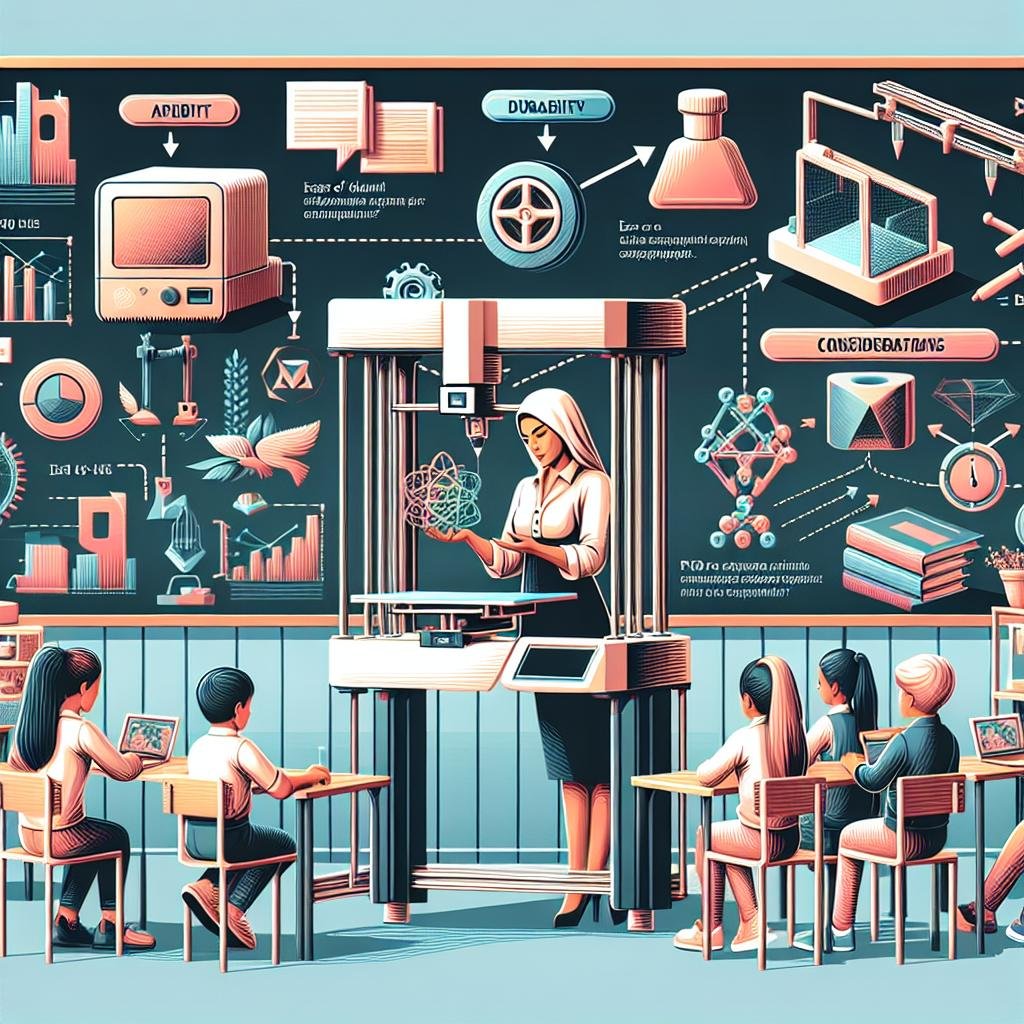
Navigating Technical Specifications with Ease
Choosing the perfect 3D printer for educational purposes can seem like a labyrinth of technical jargon. However, when broken down into approachable segments, it becomes an exhilarating journey of revelation. Instead of getting tangled in numbers, focus on a few key aspects that are transformative in an educational setting. Ask yourself: what is the primary use? Classroom projects or extracurricular club activities? Centralizing your needs will help streamline your decisions. Consider the printer’s ease of use - intuitive software and user-friendly interfaces can make or break the integration into the academic environment,especially for younger students. Additionally, examine safety features. An enclosure,for example,not only keeps tiny fingers out of dangerous areas but also stabilizes the printing environment.
The technical specifications worth your attention are printer resolution,build volume,and material compatibility. Higher resolution means finer and more detailed results - ideal for art and design classes. To help with your decision-making, here is a brief comparison table to highlight how various specifications can serve your needs in a school setting:
| specification | Benefit |
|---|---|
| Build Volume | Suited for large, collaborative projects |
| Material Compatibility | Utilizes enduring materials like PLA |
| Resolution | Perfect for fine art detailing |
Prioritize models that offer a variety of material options such as PLA, ABS, and eco-friendly alternatives, allowing for both versatility and environmental consciousness. As you navigate through these specifications, remember that the ultimate goal is to foster creativity and innovation among students, making the technology an empowering tool in their educational journey.
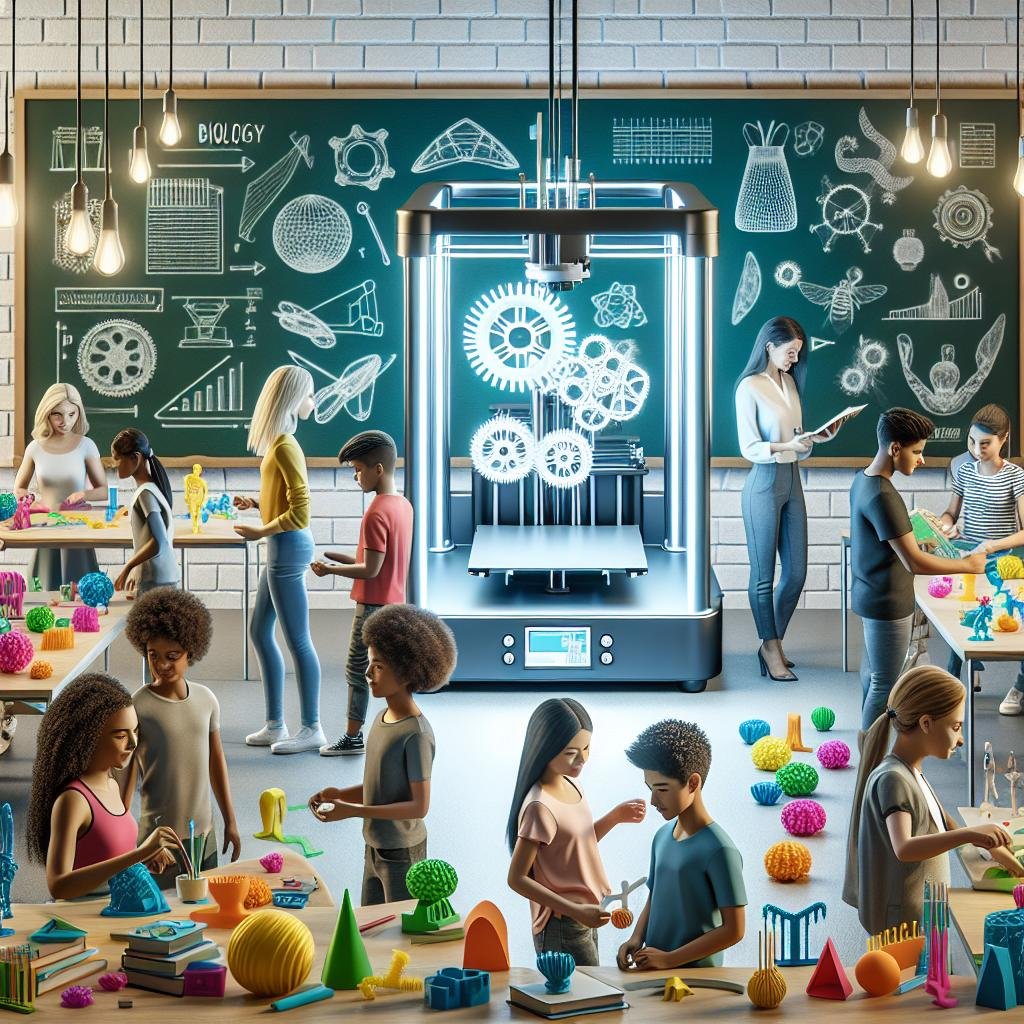
Exploring Budget-Friendly Options without Compromise
When selecting a 3D printer for educational purposes,especially with a budget in mind,it’s essential to identify options that blend affordability with functionality.Schools often need printers that are easy to use, require low maintenance, and provide consistent results to support various educational projects. Luckily, the market has several stellar choices that cater specifically to these needs. Some key factors to consider in your search include:
- User-Friendly Interface: opt for printers with intuitive software that’s easy for students to navigate, ensuring an engaging learning experience.
- Print Quality: High-resolution capability is crucial even at a lower cost, ensuring detailed and accurate prints for intricate designs.
- Build Volume: Depending on the projects, a decent build size is necessary to accommodate more significant models.
- Material Compatibility: The ability to work with multiple materials like PLA,ABS,and PETG can broaden the range of projects.
- Safety Features: Essential safety measures such as enclosed build areas and auto shut-off functions are a must for school environments.
Exploring the world of budgetary yet quality 3D printers doesn’t mean sacrificing performance or creativity. Here’s a speedy comparison of some notable options:
| Printer model | Price Range | Key Features | Ideal for |
|---|---|---|---|
| Creality Ender-3 V2 | $200 – $250 | High-quality prints, open-source, heated bed | Beginner to Intermediate Projects |
| Anycubic i3 Mega S | $250 – $300 | Touch screen, filament sensor, sturdy build | Interactive Design and Prototyping |
| FlashForge Adventurer 3 | $300 – $350 | Removable build plate, cloud print, enclosed space | Safety-Conscious Schools |
With these options at hand, educators can enrich their curricula without stretching their budgets, ensuring students have access to innovative learning tools.
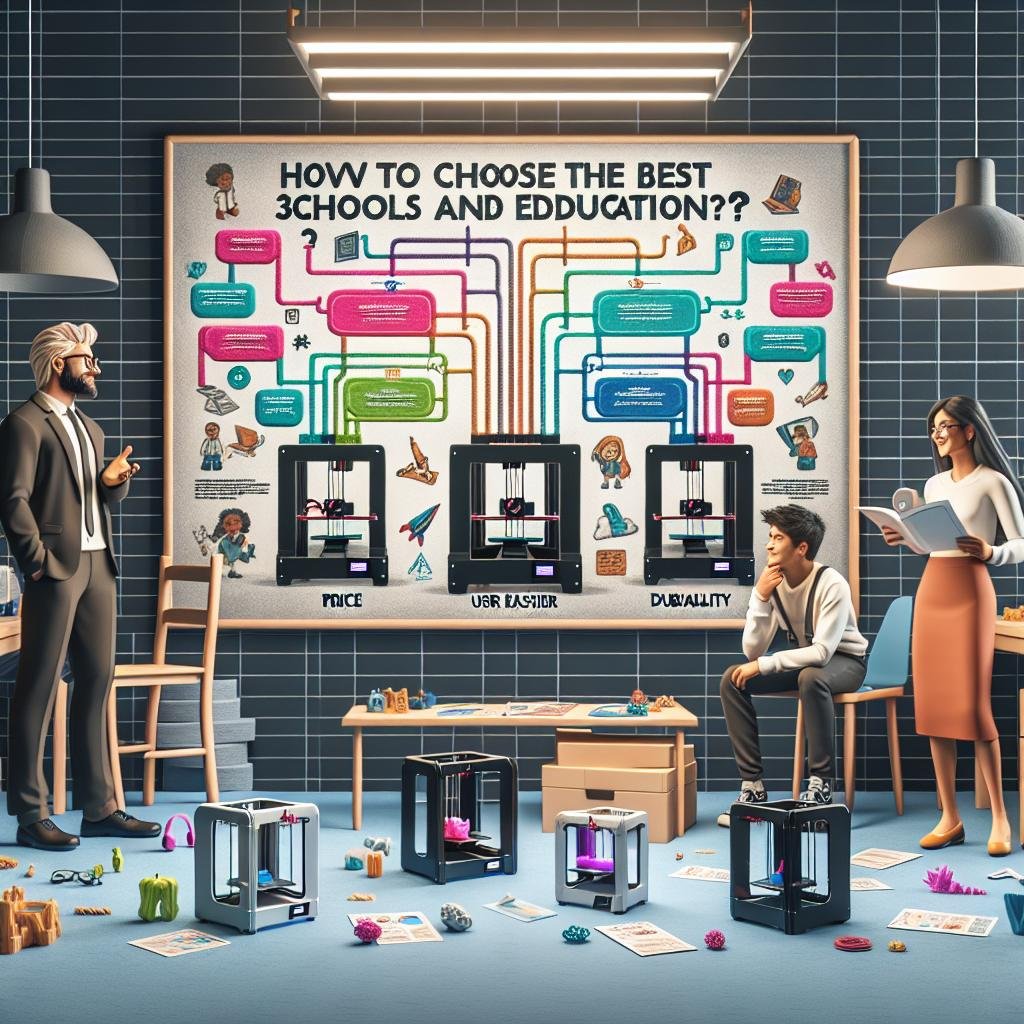
The Importance of User-Friendly Features for All Ages
in the dynamic landscape of educational technology, ensuring that tools are accessible and intuitive for users of all ages profoundly impacts the learning experience. When choosing a 3D printer for educational purposes, it’s essential to seek out models that include user-friendly interfaces. A printer should not only cater to tech-savvy high-school students but also to younger children who are becoming acquainted with digital fabrication. Features such as touch-screen menus, clear visual instructions, and even voice guidance can considerably enhance usability, facilitating swift learning curves for both teachers and students. as an example, models with one-click print functionality can remove unnecessary complexity, enabling students to focus more on creativity and design thinking rather then technical hurdles.
In addition to interface simplicity, extensive safety features and customizable settings can cater to a wider range of user capabilities. Features such as enclosed build chambers, automatic nozzle cooling, and child-lock settings ensure that even the youngest creators can participate in 3D printing activities securely. Community support**, like online forums and video tutorials, can also be invaluable. Schools might consider printers that come with robust support networks to troubleshoot and explore creative possibilities. Here is a quick comparison of vital 3D printer features valued in educational settings:
| feature | Benefits for Education |
|---|---|
| Touch-Screen Interface | Enhances ease of use across age groups. |
| One-Click Printing | Minimizes technical barriers. |
| Online Support Communities | Facilitates troubleshooting and creativity. |
| Safety Lock Features | Ensures safe usage by younger students. |
Q&A
Q&A: How to Choose the Best 3D Printer for Schools and Education
Q1: Why should schools consider investing in a 3D printer?
A1: Investing in a 3D printer opens doors to a realm of creative opportunities for students. It transforms ideas into tangible objects, enhancing critical thinking, problem-solving, and design skills. Plus, it’s a fantastic way to spark interest in STEM fields, allowing students to explore engineering concepts hands-on, bringing their imaginative designs to life. Imagine seeing the pride in a student’s eyes when they hold a model they’ve printed themselves!
Q2: What key features should educators look for in a 3D printer?
A2: First and foremost, ease of use is crucial-look for user-friendly software and reliable performance. Safety features are non-negotiable, especially sence students will be handling the machine. Consider printers with enclosed print areas and filtration systems. Additionally, prioritize printers with a large build volume and compatibility with a variety of materials to foster more comprehensive learning experiences. Reliability and robust customer support are the cherries on top,ensuring that technical issues don’t derail your curriculum.
Q3: are there specific software requirements schools should be aware of?
A3: Yes, intuitive design software can make all the difference! Look for programs that come with educational resources, tutorials, and are age-appropriate. Many 3D printers support software compatible with popular design formats like STL and OBJ. Cloud-based programs can also be a smart choice, allowing students to collaborate and access their projects from anywhere.
Q4: How does budget impact the choice of a 3D printer for educational purposes?
A4: Budget is indeed a key consideration, but it’s all about balance. While you want a printer that doesn’t break the bank, it’s critically important not to skimp on essential features. Mid-range models frequently enough provide the right mix of quality, support, and size. Additionally, don’t forget to budget for consumables like filament and potential maintenance costs to ensure lasting value.
Q5: Can 3D printing be integrated into non-STEM subjects?
A5: Absolutely! The versatility of 3D printing is phenomenal. In art classes, students can design sculptures or unique pieces, melding technology with creativity. History students might recreate historical artifacts, offering them a tangible connection to their studies. Even in language arts, students can create models of literary settings or props, making storytelling an immersive experience.
Q6: What are some real-life examples of 3D printing making a difference in education?
A6: There are countless inspiring stories! As an example, one school used their 3D printer to create prosthetic limbs for children in need, combining altruism with engineering. Another embarked on a project to 3D print replicas of ancient fossils, allowing students to study paleontology up close. These examples illustrate how 3D printing transcends customary learning, fostering compassion, creativity, and a lifelong love of learning.
This Q&A aims to guide educators through the fascinating world of 3D printing, highlighting its potential to revolutionize education. Happy printing!
In Conclusion
As we wrap up our journey through the intricate world of 3D printers destined for the vibrant halls of education, remember that selecting the right printer is like choosing a new ally in the mission of nurturing creativity and curiosity. Just like every student has a unique way of learning, each school has distinct needs and aspirations. Whether you’re captivated by the precision of resin printers or the versatility of FDM models, there’s a 3D printer waiting to transform your classroom into a hub of innovation.
Armed with the insights from this guide, you’re now equipped to make an informed decision that aligns with your educational vision. Imagine classrooms where ideas leap off the page into tangible forms, where students can hold their hypotheses in their hands, and where every lesson has a new dimension.
Let the hum of the printer be the soundtrack to your students’ endless creativity and enthusiasm. Here’s to pioneering a future where learning knows no bounds and where every teacher-and student-finds their potential in three dimensions. Happy printing!