

So you’ve just acquired a new sound system or you’re looking to upgrade your existing equipment, but you’re feeling a bit overwhelmed by all the different audio cables and connectors out there. Don’t worry, we’ve got you covered! In this article, we’ll take you through a comprehensive introduction to audio cables and connectors, providing you with the essential knowledge you need to make informed decisions when it comes to connecting your audio devices. Whether you’re a beginner or just in need of a refresher, this guide will break down the basics and help demystify the world of audio cables and connectors.
What are Audio Cables and Connectors?
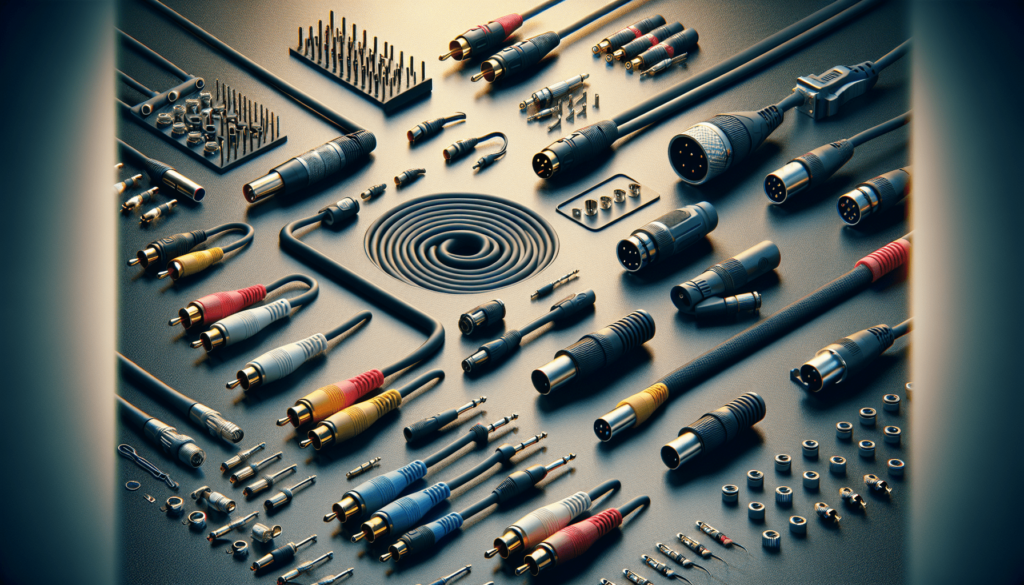
Audio cables and connectors are essential components in any sound system, serving as the medium for transmitting audio signals between various devices. They ensure the seamless transmission of sound, whether it’s from a microphone to a mixing console, a CD player to an amplifier, or a speaker to a sound source. Understanding the different types of audio cables and connectors available is vital for setting up a successful audio system and achieving optimal audio quality.
Definition of Audio Cables
Audio cables are specialized wires that carry electrical signals, converting them into audible sound waves. They are designed to minimize interference and signal loss while maintaining the integrity of the audio signal. Audio cables come in various lengths, gauges, and connector types to accommodate different audio applications.
Definition of Audio Connectors
Audio connectors refer to the plugs or jacks that facilitate the connection between audio cables and audio devices. They provide a secure and reliable connection, ensuring the smooth transfer of audio signals. Audio connectors come in different shapes, sizes, and configurations, each serving a specific purpose in audio systems.
Different Types of Audio Cables
Audio cables can broadly be categorized into analog audio cables, digital audio cables, speaker cables, microphone cables, and instrument cables. Each type of audio cable serves a unique purpose, catering to different audio equipment and applications.
Analog Audio Cables
Analog audio cables carry analog signals, which are continuous electrical representations of sound waves. Popular types of analog audio cables include stereo audio cables with 3.5mm, 1/4-inch, or RCA connectors. These cables are commonly used to connect devices such as headphones, speakers, amplifiers, and mixers.
Digital Audio Cables
Digital audio cables transmit digital signals, which are discrete representations of sound in binary code. Common digital audio cables include Optical Toslink and Digital Coaxial cables. These cables are utilized to connect digital audio sources like DVD players, Blu-ray players, and game consoles to audio receivers or soundbars.
Speaker Cables
Speaker cables are specifically designed to carry audio signals from amplifiers or audio receivers to speakers. They come in various gauges, with thicker cables offering lower resistance and therefore better signal transmission over longer distances. Speaker cables typically have two conductors, positive (+) and negative (-), and are terminated with banana plugs, spade connectors, or bare wire for connection to speakers and amplifiers.
Microphone Cables
Microphone cables, also known as XLR cables, are used to connect microphones to audio interfaces, mixers, or amplifiers. They are typically three-pin cables with male and female XLR connectors, designed to carry balanced audio signals. Microphone cables are shielded to eliminate electromagnetic interference, ensuring clear and noise-free transmission of the audio signal.
Instrument Cables
Instrument cables are specifically designed for connecting musical instruments like guitars, keyboards, and electric basses to amplifiers or audio interfaces. These cables come in various lengths and feature mono connectors, such as 1/4-inch TS or TRS jacks. Instrument cables are shielded to prevent interference and ensure high-quality audio transmission.
Common Audio Connector Types
Audio connectors are available in different types, each serving specific purposes in audio systems. Understanding the most commonly used audio connector types is crucial for proper equipment compatibility and connectivity.
3.5mm TRS Connectors
3.5mm TRS (Tip, Ring, Sleeve) connectors, commonly referred to as headphone jacks, are widely used in portable audio devices like smartphones, tablets, and laptops. These connectors can carry both stereo audio signals and microphone signals, making them versatile for headphones, earphones, and headset applications.
XLR Connectors
XLR connectors are primarily used for professional audio applications, especially in the music and entertainment industry. They are three-pin connectors that provide secure and robust connections for microphones, audio interfaces, mixing consoles, and other audio equipment. XLR connectors are known for their ability to carry balanced audio signals, minimizing noise and interference.
RCA Connectors
RCA connectors, also known as phono connectors or cinch connectors, are commonly used in home audio systems, consumer electronics, and DJ setups. They are typically color-coded for easy identification, with red and white connectors representing the right and left audio channels, respectively. RCA connectors are often used for connecting DVD players, TVs, audio receivers, and various analog audio devices.
SpeakON Connectors
SpeakON connectors are primarily used for professional audio applications, particularly for connecting speakers and amplifiers in live sound setups. These connectors provide a secure and lockable connection, preventing accidental disconnections during performances. SpeakON connectors are available in two, four, and eight-pole configurations, allowing for easy setup of speaker systems.
TS and TRS Jack Connectors
TS (Tip, Sleeve) and TRS (Tip, Ring, Sleeve) jack connectors are commonly used in musical instruments, audio interfaces, and studio equipment. TS connectors are mono connectors, typically used for instrument cables, while TRS connectors are stereo connectors, often used for headphones, audio cables, and line-level connections. Both connectors provide reliable audio connections, with TRS connectors allowing for stereo audio transmission.
Understanding Cable Length and Gauge
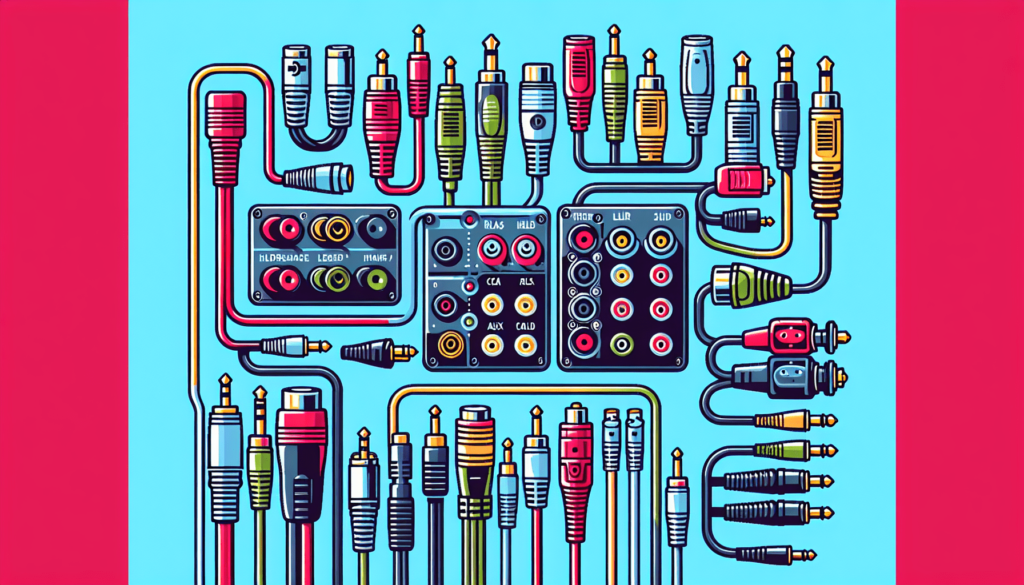
Cable length and gauge play a significant role in determining the audio quality and performance of an audio system. It is essential to consider these factors when designing an audio setup.
Impacts of Cable Length on Audio Quality
The length of an audio cable affects the audio signal’s strength and can introduce signal loss, degradation, or noise if the cable is too long. Longer cables have a higher resistance, leading to a loss of high-frequency content and a decrease in overall audio quality. It is crucial to use the appropriate cable length based on the distance between audio devices to maintain optimal audio performance.
Importance of Cable Gauge for Different Applications
Cable gauge refers to the thickness or cross-sectional area of the conductor in an audio cable. Thicker cables with a lower gauge number have lower resistance and can carry more current, resulting in better audio transmission over longer distances. The appropriate cable gauge depends on the power requirements and distance involved in the audio setup. For speaker cables, a thicker gauge is generally recommended to ensure minimal power loss during transmission.
Balanced vs. Unbalanced Audio Connections
Audio connections can be either balanced or unbalanced, each offering distinct advantages and disadvantages depending on the application.
Explanation of Balanced Audio Connections
Balanced audio connections use three wires: two signal wires and one ground wire. The audio signal is split into two signals of equal amplitude but with opposite polarity. The balanced nature of these connections allows for excellent noise rejection and interference cancellation, resulting in cleaner audio signals over longer cable runs. Balanced connections are commonly used in professional audio setups where minimizing noise is crucial.
Explanation of Unbalanced Audio Connections
Unbalanced audio connections use two wires: one signal wire and one ground wire. The audio signal is transmitted through the signal wire, while the ground wire serves as the reference point. Unbalanced connections are more susceptible to noise and interference, especially over longer cable lengths. They are commonly used in consumer audio devices and less critical audio applications.
Advantages and Disadvantages of Balanced and Unbalanced Connections
The main advantage of balanced connections is their superior noise rejection, making them ideal for long cable runs and professional audio setups. Unbalanced connections, on the other hand, are more straightforward and more commonly found in consumer audio devices. However, they are more prone to noise and interference. Understanding the advantages and disadvantages of each connection type is essential for choosing the appropriate option based on the specific audio requirements.
Shielding and Grounding in Audio Cables
Shielding and grounding in audio cables play a crucial role in maintaining audio signal integrity and minimizing interference.
Importance of Shielding in Audio Cables
Shielding involves the use of metallic or conductive materials to enclose the cable’s conductors, thereby protecting the audio signal from external electromagnetic interference. Shielding prevents interference from radio waves, electrical sources, or other nearby cables, ensuring cleaner and more reliable audio transmission.
Role of Grounding in Audio Cables
Grounding provides a reference point for the audio signal, allowing unwanted electrical currents to flow harmlessly to the ground. Proper grounding prevents the buildup of static charge, reduces electrical noise, and enhances the overall audio signal quality. It is particularly crucial in balanced audio connections and systems where multiple devices are interconnected.
Effect of Poor Shielding or Grounding on Audio Quality
Poor shielding or grounding can result in audio hum, buzzing sounds, or static interference in the audio signal. These can be caused by nearby electrical sources, improper cable handling, or inadequate grounding. It is essential to ensure that audio cables are properly shielded and grounded to minimize these issues and maintain optimal audio quality.
Proper Cable Handling and Storage
Proper cable handling and storage are essential for preserving the performance and longevity of audio cables. Following best practices can prevent cable damage, reduce signal degradation, and ensure hassle-free usage.
Best Practices for Cable Handling
- Avoid excessive bending or twisting of the cables, as this can cause damage to the internal conductors or shielding.
- Use cable ties or Velcro straps to organize and bundle cables neatly, preventing tangles and minimizing stress on the connectors.
- When connecting or disconnecting cables, grasp the connectors firmly rather than pulling on the cable itself to avoid strain on the solder joints or connectors.
- Avoid stepping on or pinching cables, as this can lead to cuts, breaks, or other physical damage.
Tips for Cable Storage and Organization
- Coil cables loosely using the over-under technique (also known as the “roadie wrap”) to prevent kinks and tangles.
- Store cables in a cool, dry place away from direct sunlight, extreme temperatures, and moisture. Excessive heat or cold can affect cable performance and longevity.
- Use cable organizers, such as cable reels or storage bags, to keep cables neatly stored and protected when not in use.
- Label cables or use color-coded tags to easily identify and differentiate between different cable types. This simplifies cable management and troubleshooting.
Matching Cables and Connectors to Audio Devices
Choosing the right cable type for audio equipment and ensuring compatibility with the corresponding connectors is crucial for seamless audio signal transmission.
Choosing the Right Cable Type for Audio Equipment
Consider the audio equipment’s output and input connectors when selecting a cable. For example, if the output is an XLR connector, choose an appropriate XLR cable for the connection. Similarly, if the input is a 3.5mm TRS connector, opt for a cable with a compatible 3.5mm TRS connector. Ensuring proper compatibility between the cable type and the connectors aids in achieving optimal sound quality and signal transfer.
Selecting Compatible Connectors for Audio Devices
When connecting audio devices, it is important to select connectors that are compatible with the device’s input and output ports. Check the device’s specifications or consult the manufacturer’s recommendations to identify the appropriate connector types. Choosing connectors with secure and reliable connections ensures consistent audio performance and minimizes the risk of accidental disconnections.
Audio Cable Maintenance and Troubleshooting
Regular cleaning and maintenance of audio cables are essential for prolonging their lifespan and preventing issues that may affect audio signal quality. Additionally, understanding common audio cable issues and troubleshooting techniques can help resolve problems effectively.
Cleaning and Maintenance of Audio Cables
- Clean audio connectors periodically using isopropyl alcohol or contact cleaner to remove dirt, dust, or oxidation buildup that can impair signal transmission.
- Inspect cables regularly for any physical damage, such as cuts, frayed wires, or loose connectors, and repair or replace them as needed.
- Keep cables away from potential sources of damage, such as sharp edges, excessive heat, or fluids, to prevent unnecessary wear and tear.
- Store cables properly when not in use, following the recommended tips for cable storage mentioned earlier.
Common Audio Cable Issues and Troubleshooting Tips
- If you experience audio dropouts or intermittent sound, check for loose or improperly connected cables. Reconnect or tighten the connections as necessary.
- Audio hum or buzzing may result from improperly shielded cables or grounding issues. Ensure proper shielding and grounding, and isolate cables from potential sources of interference.
- Static or crackling sounds can indicate a damaged cable or connector. Inspect the cable for physical damage and replace if necessary.
- If one side of a stereo audio signal is weaker or absent, check for loose or damaged connectors. Swap cables or connectors to identify the source of the problem and rectify it accordingly.
Conclusion
Understanding audio cables and connectors is essential for anyone involved in audio systems, whether as a hobbyist, audio professional, or casual user. By knowing the different types of audio cables, connectors, the impact of cable length and gauge, and the differences between balanced and unbalanced connections, you can make informed decisions when setting up your audio system. Additionally, taking proper care of your cables, matching them correctly with audio devices, and understanding common cable issues and troubleshooting techniques will help maintain optimal audio quality and ensure a seamless listening experience. Remember, investing in quality cables and connectors is crucial for achieving the best possible audio performance. Be sure to choose reliable and reputable brands that provide the necessary features and durability for your specific audio needs.