
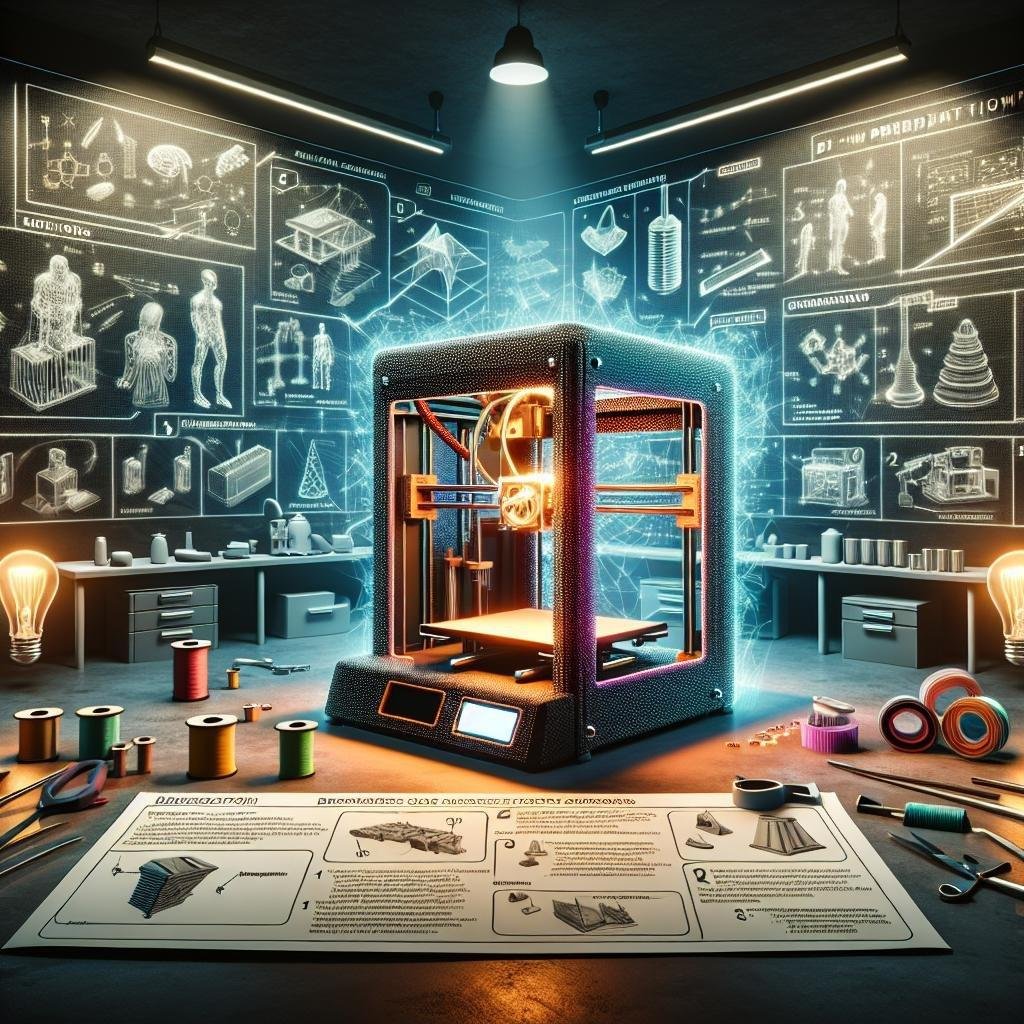
Imagine a world where you can design your dream coffee mug, create custom toys for your children, or even craft bespoke components for your home, all from the comfort of your living room. Welcome to the captivating realm of 3D printing! Once the stuff of science fiction, this innovative technology is now more accessible than ever, inviting hobbyists, tinkerers, and curious minds alike to unleash thier creativity. Whether you’re a curious novice or an eager DIYer, this guide is your gateway to understanding the basics of 3D printing. We’ll unwrap the mysteries of this transformative technology, giving you the confidence to embark on your own creative journey. So, roll up your sleeves, and let’s dive into the mesmerizing world of 3D printing for beginners!
Understanding the Magic: How 3D Printers Work
The enchantment of 3D printing lies in its intricate but thrilling synergy of technology and creativity. At its heart, it blends digital precision with tangible reality. This magical journey begins when you design a virtual model using a Computer-Aided Design (CAD) software or download one from various online repositories. The specific type of file you’ll be working with is typically a .stl or .obj, which embodies the digital blueprint of your creation. Once the design is ready, the file is fed into slicing software that deftly breaks it down into thin, manageable layers. This is where layers—each only a fraction of a millimeter thick—are plotted, preparing for the printer’s meticulous construction process.
As the process unfolds, step into the wonderland of 3D printing, where the real magic happens. Your 3D printer might work using different methods, such as Fused Deposition Modeling (FDM), Stereolithography (SLA), or Selective Laser Sintering (SLS). Here’s how these techniques compare:
| Method | Material Used | Process Overview |
|---|---|---|
| FDM | Thermoplastic Filament | Layers of melted filament are extruded and solidified. |
| SLA | liquid Resin | Laser cures resin layer by layer into a solid. |
| SLS | Powder | Laser sinters powder into solid sections. |
These techniques not only determine the printer’s inner workings but also the look and feel of the final product. Whether you’re crafting a functional prototype, an intricate piece of art, or a replacement part for your favorite gadget, understanding these basic processes is your gateway to exploring endless possibilities.

Diving into Materials: Choosing the Right Filament for Your Projects
Embarking on your 3D printing journey opens up a world of creative possibilities, but selecting the right filament for your projects is crucial for achieving the desired results.The terrain of filament materials is diverse, with each type offering unique properties that cater to different needs. For example, PLA (Polylactic Acid) is a favorite among beginners for its ease of use, eco-friendliness, and minimal warping. ABS (Acrylonitrile Butadiene Styrene), conversely, is known for its durability and heat resistance, making it suitable for products that demand higher strength and flexibility. Understanding these basic differences is key to deciding which filament will bring your visions to life most effectively.
Exploring further, you’ll find a multitude of other intriguing options. Here’s a swift guide:
- PETG (Polyethylene Terephthalate Glycol): Offers a great balance between strength and flexibility, while also being moisture and chemical resistant.
- TPU (Thermoplastic Polyurethane): Best for printing flexible parts with rubber-like elasticity.
- Wood Filament: Contains wood fibers, adding a wooden texture and aesthetic to your creations.
To make a comparison more tangible, here’s a simple table summarizing their main characteristics:
| Filament Type | Characteristics | Best for |
|---|---|---|
| PLA | Biodegradable, Easy to print | Prototypes, Decorative items |
| ABS | Durable, Heat resistant | Functional parts, Toys |
| PETG | Strong, Chemical resistant | Bottles, Clear objects |
Choosing the right filament can vastly improve your 3D printing experience, ensuring that your projects not only reach completion but also stand the test of time and function. Embrace experimentation,and let each material guide you towards innovation and creativity.

Getting Started: Essential Tools and Software for 3D Printing
Venturing into the world of 3D printing can be exciting, but like any craft, it demands the right set of tools and software to bring your creations to life. At the heart of this activity is a reliable 3D printer; there are many types to consider, from FDM (Fused Deposition Modeling), which is ideal for beginners, to SLA (Stereolithography) printers for more detailed work. Alongside your printer, assembling a toolkit is crucial. Essentials include a set of needle-nose pliers for removing stray filament, a precision knife set for detail cleaning, and a reliable caliper for ensuring precise measurements. Including a glass build plate improves adhesion, making it easier to remove prints without damage.
Partnering with the right software makes all the difference in your 3D printing experience. CAD software like TinkerCAD or Fusion 360 offers easy-to-use design interfaces perfect for beginners. Next, slicer software transforms your 3D designs into printer-readable files; popular choices like Cura and PrusaSlicer are favored for their intuitive settings and versatility. To organize and monitor your prints, consider a printing management tool such as OctoPrint, which allows real-time adjustments and project tracking. Here’s a quick glance at some beginner-friendly tools and software choices:
| Tool/Software | Purpose |
|---|---|
| Needle-Nose Pliers | Removing stray filament |
| Precision Knife set | Cleanup and detail work |
| TinkerCAD | CAD design for beginners |
| Cura | Slicing and preparation |

Troubleshooting Tips: Overcoming Common 3D Printing Challenges
Encountering issues during your 3D printing journey is common even for seasoned hobbyists. To ensure accomplished prints, it’s crucial to address some frequent pitfalls. filament jams, warping, and layer adhesion problems are among the top offenders. when it comes to filament jams, regularly cleaning the extruder and checking for blockages can make a significant difference.If your prints suffer from warping, tweaking the build plate adhesion methods such as using a brim or raft can help hold the model in place. For layer adhesion issues, experimenting with the nozzle temperature and ensuring correct calibration can effectively improve outcome integrity.
- Filament Jams: Clean the extruder,check for blockages.
- Warping: Use build plate adhesion methods like brims/rafts.
- Layer adhesion: Adjust nozzle temperature, ensure correct calibration.
It’s also wise to consider common printing parameters that contribute to a smoother experience. Print speed plays a pivotal role; if set too high, it might reduce quality, leading to blobs or gaps. Slowing down your printer can remarkably improve precision. Moreover, keeping an eye on temperature settings for your specific filament type ensures better consistency and enhances overall print quality. Explore the table below to see a quick reference guide for troubleshooting:
| Issue | Solution |
|---|---|
| Stringing | Adjust retraction settings |
| infill Issues | Modify infill pattern and density |
| Poor Surface Finish | Decrease layer height,reduce print speed |
Q&A
Q&A: Diving into the World of 3D Printing for Beginners
Q: What exactly is 3D printing,and why is everyone so excited about it?
A: Think of 3D printing as the magical process where your inventiveness gains a physical form! It allows you to create three-dimensional objects by layering materials one thin slice at a time,just like making a digital cake.The excitement stems from its versatility—whether you’re crafting personalized gifts, building prototypes, or even fabricating parts for your DIY spaceship, the possibilities are as endless as your creativity.
Q: Do I need any special skills to start with 3D printing?
A: Good news! If you can follow a recipe or assemble a puzzle, you’re already halfway there. While some technical understanding helps,like knowing how your printer works or how to use design software,many online resources and beginner-friendly software make it easy to jump in. Plus,there’s a whole friendly community ready to help you along the way!
Q: What equipment do I need to get started with 3D printing?
A: You’ll need a 3D printer,of course,which can range from simple,affordable models to high-end machines. A spool of filament (think of it as your printer’s ink) is next on the list—common materials include PLA and ABS, which are beginner-friendly. you might want to grab some digital design software like Tinkercad. Many beginners love it because it’s intuitive and free!
Q: Can I just print anything I want right away?
A: Not quite! The first step is to either design a 3D model yourself or download existing ones from online libraries like Thingiverse.Once you have your model, you’ll need to convert it into a printable format using slicing software, which essentially translates your design into a set of instructions your printer can follow. It’s like preparing a map before you go on a road trip.
Q: Are there any beginner projects to practice with?
A: Absolutely! Starting with simple projects is a great idea. Keychains, simple planters, or even small toys are perfect first prints. These projects are typically quick and forgiving, helping you to familiarize yourself with the process. as you grow more confident, you can steadily work your way up to more complex creations.
Q: What should I watch out for as a beginner in 3D printing?
A: Patience is key! Things might not always go as planned, and that’s okay. Be prepared for some trial and error—it’s part of the learning adventure. Also,keep an eye on safety—ensure good ventilation when printing and follow any safety guidelines from your printer’s manufacturer. Lastly, make sure your workspace is safe and steady to prevent any mishaps.
Remember, embarking on your 3D printing journey is like opening a new chapter of creativity and innovation. Whether you’re bringing your ideas to life or simply having fun, embrace the experience and don’t be afraid to experiment. Welcome to the world of 3D printing—your adventure awaits!
The Conclusion
As we conclude our journey into the fascinating world of 3D printing, it’s exciting to imagine the possibilities that lie ahead for you, the budding creator. Whether you’re dreaming of crafting intricate jewelry, designing a unique gadget, or simply playing around with creative ideas, the magic of bringing digital dreams to tangible realities is now within your grasp. Remember, every expert started as a beginner; every masterpiece began with a simple idea. so embrace the trial and error, revel in the learning process, and most importantly, enjoy the thrill of creation. With each layer your printer lays down, you’re not just building an object, but also constructing your path into a community filled with innovation and imagination. Welcome to the future of making—one layer at a time!